Media Controller
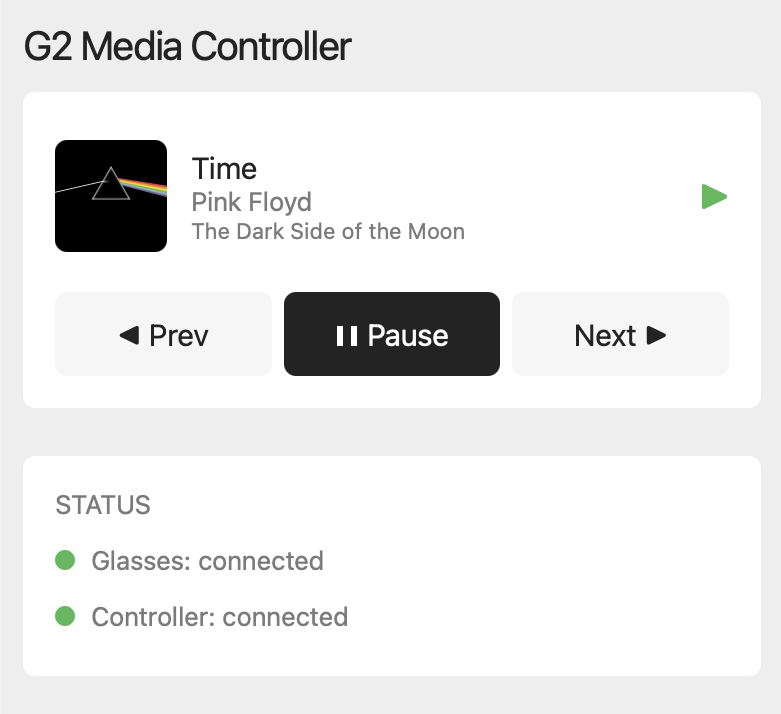
Control any media playing on your Android phone directly from your G2 glasses. Spotify, YouTube Music, podcasts, audiobooks. See what's playing, skip tracks, and adjust volume without touching your phone.
Requires the Even Controller companion app on your Android phone.

Features
Any Media App
Controls whatever is playing on your Android phone — Spotify, YouTube Music, podcasts, audiobooks, or anything else that shows up in your notification shade.
Now Playing
See song title, artist, and progress right on your glasses.
Playback Control
Play, pause, skip tracks with tap gestures.
Volume Control
Adjust volume by scrolling on the glasses ring.
Why does this need a companion app?
G2 apps run in a sandboxed browser that can't see what music is playing or control playback. The companion app bridges that gap — it reads the active media session and forwards commands so the glasses can show track info and control playback.
Everything stays on your phone (localhost only), nothing is stored, and there are no analytics or third-party code. Notification access is used solely to discover active media sessions — it never reads your notifications.